

Looking for the best social media management tools to grow your online presence?
Maybe you need a smarter way to handle multiple profiles and networks. Or perhaps your team struggles to collaborate effectively.
Whatever the case, managing social media well takes the right strategy and the right tools.
There are thousands of social media tools out there, but not all of them count as true management tools. Some handle scheduling, for example, but don’t help with engagement or team collaboration.
This post focuses on the best social media management tools that include these three key elements:
- Engagement – A single dashboard where you can monitor all your social network messages and engage with your audience. This may be in the form of an inbox or social streams.
- Publishing – A system of scheduling and recycling your content to each social network.
- Reporting – A method of analyzing and reporting how your content performs on each network.
These tools offer other features as well, like content curation, but that’s outside the scope of this post so we’ll focus on core social media management functionality.
The best social media management software – top picks
TL;DR:
- Sendible – Best social media management tool for most users. Broad feature set and affordable for individuals & teams alike.
- SocialBee – Best for those primarily focused on publishing & scheduling social media content.
- Pallyy – Best for content creators. Particularly those focused on Instagram and TikTok.
#1 – Sendible
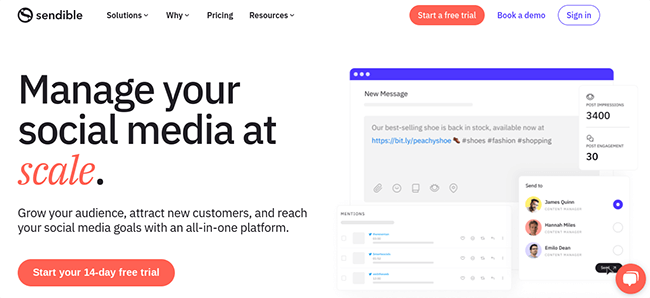
Sendible is one of the best social media management platforms on the market. Given its balance of features, it’s a great option for most users. It’s an all-in-one white-label solution that comes with everything you need to manage your socials at scale.
Engagement
Sendible’s Priority Inbox brings all your important messages and comments from multiple social media accounts in one centralized location.
Messages are automatically sorted by sentiment (positive, negative, or neutral), making it easy for you to monitor your brand reputation. You can reply directly from your Priority Inbox and delegate conversations to different team members.
If you want, you can switch to the Social Feeds view to monitor individual social profiles. Social Feeds update in real time so you’ll know the second you get a new engagement.
Publishing
Sendible’s publishing tools make it easy to schedule posts to all your socials in advance. Posts can be scheduled individually, or grouped into campaigns and added to queues.
If you want, you can choose to ‘recycle’ evergreen posts, which will automatically re-add them to the queue once they get published so that they get shared again at a later date.
I like that Sendible recommends Optimal Times to schedule each post. These recommendations are based on how your previous posts have performed on different days/times and can help you maximize engagements.
All your scheduled posts are displayed in Sendible’s interactive, drag-and-drop content calendar, so it’s easy to move things around if needed. And if you’re struggling to come up with new ideas for posts, you can use Sendible’s rich content curation features, including a powerful recommendation engine and RSS feeds.
Reporting
Sendible also comes with powerful social media reporting capabilities. You can generate in-depth reports for individual social media platforms like Facebook, Instagram, LinkedIn, and more in a couple of clicks using pre-built templates.
Alternatively, build your own custom reports with the metrics that matter to you in the drag-and-drop report builder. There are over 200 modules to choose from, depending on what kind of analytics data you want to include. (i.e. audience growth, top content, engagements, etc.)
When your reports are ready, you can share them via live links, export them as PDFs, or set up automatic email reports to send them directly to your clients at regular intervals.
Networks
With Sendible, you can manage your profiles on all the most popular social media platforms: Instagram, Facebook, TikTok, Twitter, LinkedIn, YouTube, and Google My Business. It also lets you publish directly to WordPress.
Pricing
Sendible offers several plans starting from $25/month, and you can save 15% when you pay yearly. Higher-priced plan tiers include more users, social profiles, and features. Get started with a 14-day free trial.
Read our Sendible review.
#2 – SocialBee
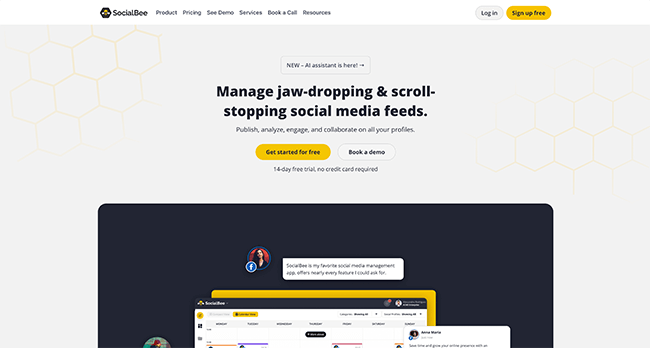
SocialBee has the best publishing and scheduling features of any social media management tool we’ve tried. Its new AI assistant, ‘Social Media Copilot’, is a game-changer.
Engagement
SocialBee lets you set up customizable social streams, from which you can view, manage, and reply to all your incoming messages across social media.
You can choose the specific platform (e.g. Facebook, Twitter, Instagram, etc.) and type of conversations (e.g. DMs, mentions, comments, replies, etc.) to show in each social stream. Plus, group multiple streams together into ‘Boards’ to keep things organized. And you can turn on notifications to let you know whenever you get a new engagement.
Publishing
You can publish posts to all your social media accounts from your SocialBee dashboard, or schedule them in advance.
Category-based scheduling allows you to create and schedule multiple posts at once. And you can save even more time with the AI-powered Social Media Copilot, which plans your whole social strategy.
It creates a social media posting schedule and categorized content plan, then crafts and schedules a month’s worth of social media posts for you in just a few minutes.
Reporting
With SocialBee, you can view analytics for all your social profiles in one place. View your audience demographic, measure follower growth over time, discover your best-performing posts, find out when your best time to post is, and gather all the other insights you need to inform your social strategy.
You can filter analytics data for different social platforms and date ranges, and export branded reports to showcase all that data and share it with your clients.
Networks
SocialBee supports a wide range of social media platforms: Facebook, Instagram, LinkedIn, X (Twitter), Pinterest, TikTok, YouTube, Google Business, and Bluesky.
Pricing
SocialBee offers several plans starting from $29/month, and you can save 16% with yearly billing. All plans include the same core features but higher tiers include extra social profiles and users, and a longer historical analytics data range. Get started with a 14-day free trial.
Read our SocialBee review.
#3 – Pallyy
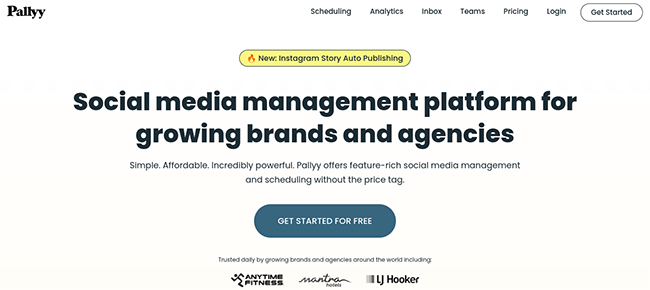
Pallyy is the best social media management tool for content creators, especially if you’re focusing on Instagram or TikTok. It’s affordable and easy to use, and I love its visual scheduling interface.
Engagement
Pallyy offers a unified social inbox that pulls in comments, mentions, reviews, and DMs from networks like Instagram, Facebook, LinkedIn, TikTok, and Google My Business.
You can reply to all messages from one place. Plus, assign conversations to team members, add labels to keep things organized, and use automations to boost your efficiency.
Publishing
Pallyy offers auto-publishing for all the leading social networks. You can create and schedule posts in advance through the interactive content calendar.
Just drag the images or videos you want to use in the post from your media library onto any data in the calendar, then add a caption and set the time you want Pallyy to publish it. It’s that easy.
You can also create a queue within the calendar’s settings which makes scheduling content a lot easier.
If you’re scheduling posts to Instagram, you can also switch over to Feed View to preview how they’ll look on your feed when they’re live, which is pretty neat.
Reporting
Creating Reports with Pallyy is super easy too. You can choose the specific social media profiles and the timeframe you want to report on (e.g. last 30 days, last 90 days, etc.), as well as the charts and metrics you want to include. Then just grab a share link or download the report as a PDF.
Networks
Pallyy integrates with most social networks including Instagram, Facebook, Twitter, LinkedIn, Google Business, Pinterest, and TikTok.
You can use Pallyy to publish content to all of the above. However, analytics are only available for LinkedIn and Instagram.
Pricing
Plans from $15/month for 1 social set. Higher plans offer more features and unlimited posts.
Read our Pallyy review.
#4 – Agorapulse
Agorapulse has some advanced features I haven’t seen in many other social media management tools, including social media ROI analysis and advocacy tools. It’s powerful and flexible and provides social media managers and marketing teams with a more streamlined workflow.